Collect wedding photos from your guests.
Give friends and family an easy way to share the photos and videos they take. They scan a QR code, and every one lands in your own Google Drive, OneDrive or Dropbox, sorted by guest and yours to keep.

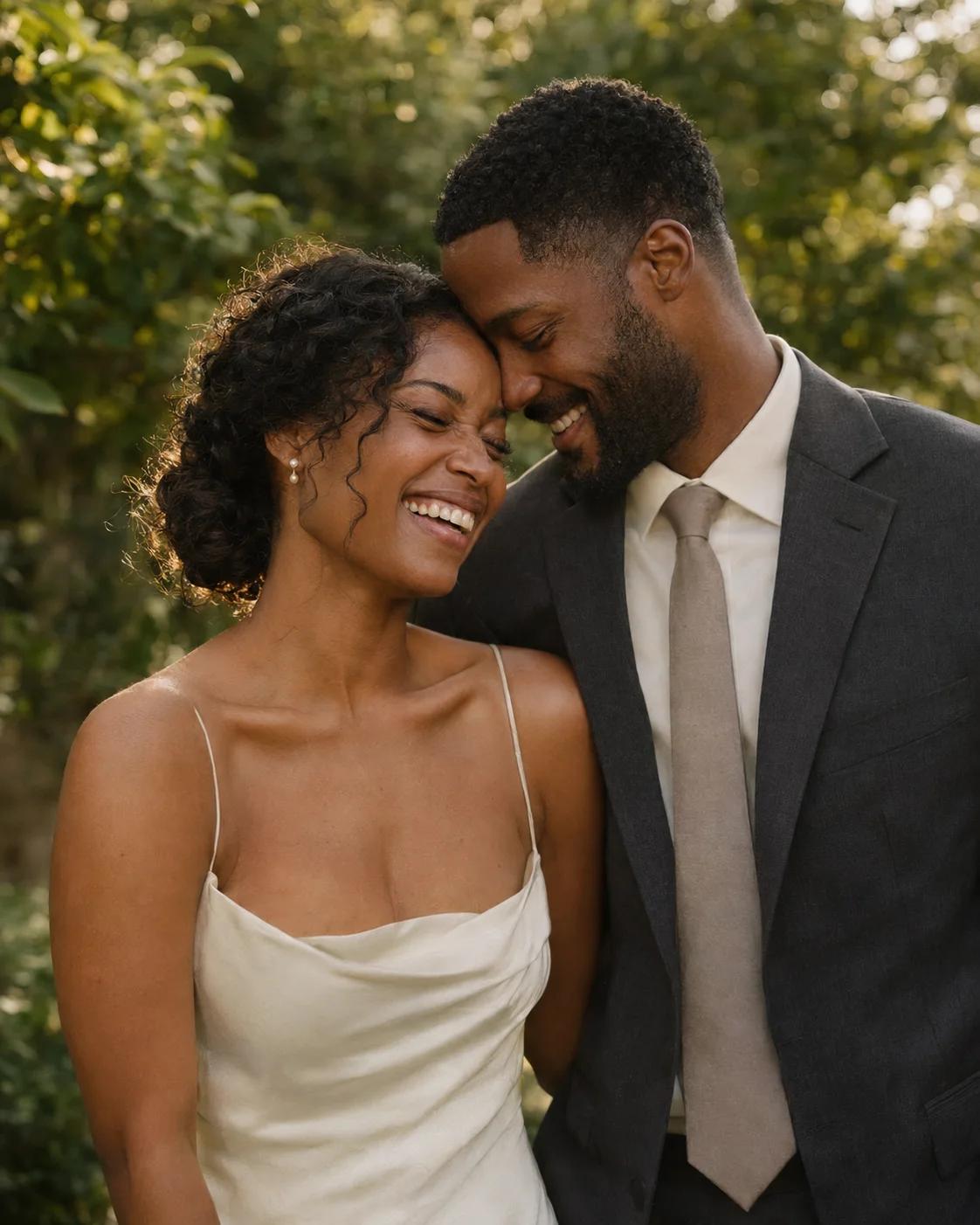

Top reasons WeddingQR is the best choice for your wedding.
Everyone can join in.
Guests share from their phone in a few taps, with nothing to download and no account to make. That means everyone joins in, from your college friends to your grandma.
Every photo is yours to keep.
Each photo and video lands in your own Google Drive, OneDrive or Dropbox at full quality, in a folder with the guest's name. You can open them any time, like any of your other files.
The toasts and the first dance, in full.
Guests can share long videos at full quality, up to 5 GB each, and they play right in your gallery.
A live slideshow at your reception.
Put the gallery on a TV or projector, and new photos and videos pop up as guests share them, so everyone gets to watch the night unfold.
QR cards that match your tables.
Design a QR code that fits your wedding and order it as printed table cards and stands, so guests see it the moment they sit down. You can also print it yourself.
One payment covers all your events.
Pay $39 once and use it for your engagement party, your wedding and every event after. There's no subscription, and you can try it first with 5 free uploads.
Make it easy for guests to share.
Your wedding gallery comes with its own QR code. Put it on the tables or send guests the link. They scan it, type their name and pick photos from their camera roll. There's no app to download and no account to make, so even guests who never try new apps can share.
Choose a QR design with a style, a background or your own photo. Print it at home, or order printed table cards and stands for every table.

A gallery everyone can enjoy.
Guests can scroll through everyone's photos as they arrive, catch the moments they missed and heart their favorites. They can tap a guest's name to see just the photos that person took. At the reception, put the live slideshow on a TV or projector, and new photos and videos appear as guests share them. If you'd like to see photos before anyone else does, you can approve each one first, or keep the gallery just for you.

Your gallery also has a guestbook, so guests who couldn't catch you on the dance floor can still tell you what the day meant to them. They can leave a written note, a voice message or a video message, and each one is saved with your photos.

Keep your photos at their original quality.
Every photo and video your guests share is saved to your own Google Drive, OneDrive or Dropbox, exactly as it was taken. Each guest gets a folder with their name, so you always know who captured what, and you can download everything in one zip file.
Because the files live in your own storage, they're yours to keep. Guests can keep adding photos after the wedding.
 Google Drive
 OneDrive
 Dropbox
Pay once. Use it for every event.
$39
It's a one-time payment for every feature, unlimited guests and uploads, and every event you make, like your engagement party and your wedding. You can try it first with 5 free uploads.
Questions couples ask.
What's included in the $39 price?
One $39 payment unlocks unlimited events, guests and photo/video uploads, with no subscription or per-event charge.
Can I test the guest upload experience before paying?
Yes. Create an event, connect Google Drive, OneDrive or Dropbox, then open your guest QR code or link. Your account includes five real photo or video uploads to try the gallery and check the saved files in your storage. There is no time limit or card required. The five uploads are shared across your events.
Where are the wedding photos stored?
Original photos and videos are saved to the Google Drive, OneDrive or Dropbox connection you choose for the event, organized into guest folders. You keep ownership and can access the saved files in that storage account.
Do wedding guests need to sign up?
No. Guests scan the QR code or open your link, type their name once and pick their photos. They don't need an app, an account or a password.
How long does my wedding gallery stay active?
There's no time limit. Your gallery stays open after the wedding, so guests can upload the photos they find later. When you want to stop new photos, turn off "Accepting new photos" in your event settings. Every file is already in your own Google Drive, OneDrive or Dropbox, so it's yours to keep.
Is there a limit on photos or guests?
You can try five photo or video uploads across your account before paying. After the one-time $39 payment, there is no limit on the number of uploads or guests. Each file can be up to 5 GB. Your connected Google Drive, OneDrive or Dropbox needs enough free space; its storage quota and plan fees still apply.
Can guests see each other's photos?
Yes. Every photo and video shows up in your gallery as it is uploaded, unless you turn on "Approve new photos first". Guests can scroll, heart their favorites and download photos. Anyone with the link or QR code can open the gallery, and search engines are asked not to list it. If you want guests to only upload, turn off "Guests can browse the gallery" in your event settings.
Can more than one person manage the gallery?
Yes. After the one-time $39 payment, you can add as many co-hosts as you like by email. Each co-host signs in with that email. They can see and download photos, sort albums, change the gallery and order prints, and they get the upload emails. A co-host can leave the event at any time. Your storage stays connected to your account, and only you can delete the event or add co-hosts.
Can I check photos before guests see them?
Yes. Turn on "Approve new photos first" in your event settings. It is off by default. New photos and videos from guests then wait on your Photos page until you approve them, and only then can other guests see them. They still save to your storage right away.
Can guests leave a message?
Yes. From the gallery page, guests can leave a written note, a voice message or a video message. They don't need an app or an account. Messages show in a Guestbook tab and save to a Guestbook folder in your own Google Drive, OneDrive or Dropbox. They stay out of the photo grid and the slideshow. The guestbook is on by default, and you can turn it off in your event settings. Written notes are free, even before you pay. Voice and video messages count toward your free uploads, and they're unlimited after the one-time $39 payment. Guests see other people's messages only when you let guests browse the gallery.
How is WeddingQR different from other QR photo apps?
Your photos and videos are saved at full quality in your own Google Drive, OneDrive or Dropbox, sorted by guest, so they're yours to keep. Guests share from their phone's browser with nothing to download. One $39 payment covers every event and every feature. You also get a shared gallery for guests, a live slideshow and a QR code designer.
How does WeddingQR work?
Create your wedding gallery and connect your Google Drive, OneDrive or Dropbox. Put the QR code on table cards or signs, or send guests the link. Guests scan it and upload photos and videos without an app or an account. Each file is saved to your storage at full quality.
How can I display the QR code at my wedding?
Use the QR designer to choose a style, typography and background for your wedding QR code. Download the design to print yourself, or order printed cards, stands and stickers from the designer.
Can I customize the gallery appearance?
Yes. Pick one of 26 color themes, light or dark mode, and one of seven font pairings. You can add sections with text or links, like your schedule, your registry or your wedding website. The top of the gallery shows your guests' own photos.
Can I download all photos at once?
Yes. Select all on your Photos page and download every original in one zip file. The files are also in your own Google Drive, OneDrive or Dropbox, so you can open them there any time.
Are my original photos and videos preserved?
Yes. The original files are saved to your Google Drive, OneDrive or Dropbox with no compression. Videos also play smoothly in the gallery, and the original file in your storage stays the same.
Is WeddingQR suitable for destination weddings?
Yes. Guests only need a phone with internet. They scan the QR code or open the link from anywhere, and they can also upload later from home.
Do videos play in the live slideshow?
Yes. Videos play to the end without sound, and then the slideshow moves on. If you want photos only, choose "Leave out" for videos when you open the slideshow.
Can guests upload longer videos? What is the file-size limit?
Each photo or video can be up to 5 GB. Video length alone does not determine file size: resolution, frame rate and format all matter. A file over 5 GB is rejected before upload. The app does not compress or split videos. Export a smaller copy to upload it, keeping the original on your device. We recommend testing a typical recording before your event.
Can guests upload several video clips together?
Yes. Guests can select multiple photos and separate video clips in the same upload. Each file must meet the 5 GB limit. The app does not split one long video into shorter clips. For large videos or a weak connection, uploading one at a time can be easier.
Which video formats can guests upload?
Guests can upload MP4, MOV, AVI, MKV, WebM, OGG and 3GP videos. That covers normal iPhone and Android recordings. They upload from the browser with no app or account. Each file can be up to 5 GB.
How can guests avoid interrupted video uploads?
Use good Wi-Fi or mobile data and keep the upload page open until it finishes. Each file tries again on its own if the connection is weak. If the phone goes offline, uploads wait until it is back online. If some files still fail, tap Retry. Guests can also open the link again later and upload from home.
How WeddingQR works, in detail.
WeddingQR started with one job: getting every guest's photos to the couple. Here is how it does that, for anyone who wants every detail.
Every file reaches your storage.
Each photo and video your guests share is saved in full to your own Google Drive, OneDrive or Dropbox. It goes in a folder with the guest's name, and the file is named with the time it was taken. We've done the work so every file gets there, even from a busy reception. Guests browsing the gallery see quick-loading copies sized for their phone, and the original stays untouched in your storage.
Videos play smoothly, even on venue Wi-Fi.
Guests can share videos up to 5 GB each. They start playing quickly and adjust to the connection, so a toast or the first dance plays smoothly on a phone at the venue or a TV at home. In the live slideshow, videos play to the end without sound, or you can leave them out. The original stays in your storage exactly as it was recorded.
Easy for every guest.
Guests scan the code, type their name and pick their photos. The screens show in English or Spanish, based on the phone's language. In the gallery they can pinch to zoom, swipe through photos and heart their favorites. If the Wi-Fi drops, their uploads wait. They send on their own when the connection comes back, and anything left over is one tap to retry. Before every release, we test uploads, the gallery and video playback in Chrome and on iPhone.
Make it yours, and get some help.
Pick one of 26 color themes and 7 font pairings, in light or dark mode, and add sections like your schedule, your registry or your wedding website. Add as many co-hosts as you like by email, like a parent or your planner. They can see, download and sort photos and change the gallery. When guests share, you get an email that rounds up the new photos, so a busy night doesn't fill your inbox. You can also let guests upload without browsing, or stop new uploads when you're done.
What the $39 pays for.
A shared folder can hold files. WeddingQR adds everything around them: an easy way for guests to share, a gallery everyone can enjoy, smooth video, a live slideshow, a guestbook, QR designs, upload emails and co-hosts. You pay one time, and it covers every event on your account. You can try 5 uploads for free, and paying unlocks unlimited uploads and co-hosts.
An AI assistant can set it up for you.
If you use an AI assistant, it can set up your gallery for you. You sign in, connect your storage and approve the assistant once, and you can take that access back any time. Payments and storage permissions always stay with you.
When WeddingQR is a good fit.
WeddingQR suits couples who want guests to share from their phones, a gallery everyone can enjoy during and after the wedding, and the original files in storage they control. It also suits anyone planning several events, because one payment covers them all.
WeddingQR in a few sentences
WeddingQR collects wedding guests' photos and videos through a QR code into a shared gallery, with no app for guests. Originals save to your own Google Drive, OneDrive or Dropbox, sorted by guest, so they're yours to keep. A one-time $39 payment covers every event and includes the slideshow, guestbook and gallery controls. You can try it first with five uploads.