Why I Built WeddingQR for My Own Wedding
I built WeddingQR for my own wedding.
I wanted every photo our guests took. The tools I tried were slow on the venue Wi-Fi and hard for guests to use, so I made the one I wanted. A guest scans a code, picks their photos, and they're done. Every photo landed in my own Google Drive at full quality.
I still open our wedding gallery all the time. It's one of my favorite things from that day, and it's why I keep working on WeddingQR. Here's how it works today.
What a guest does
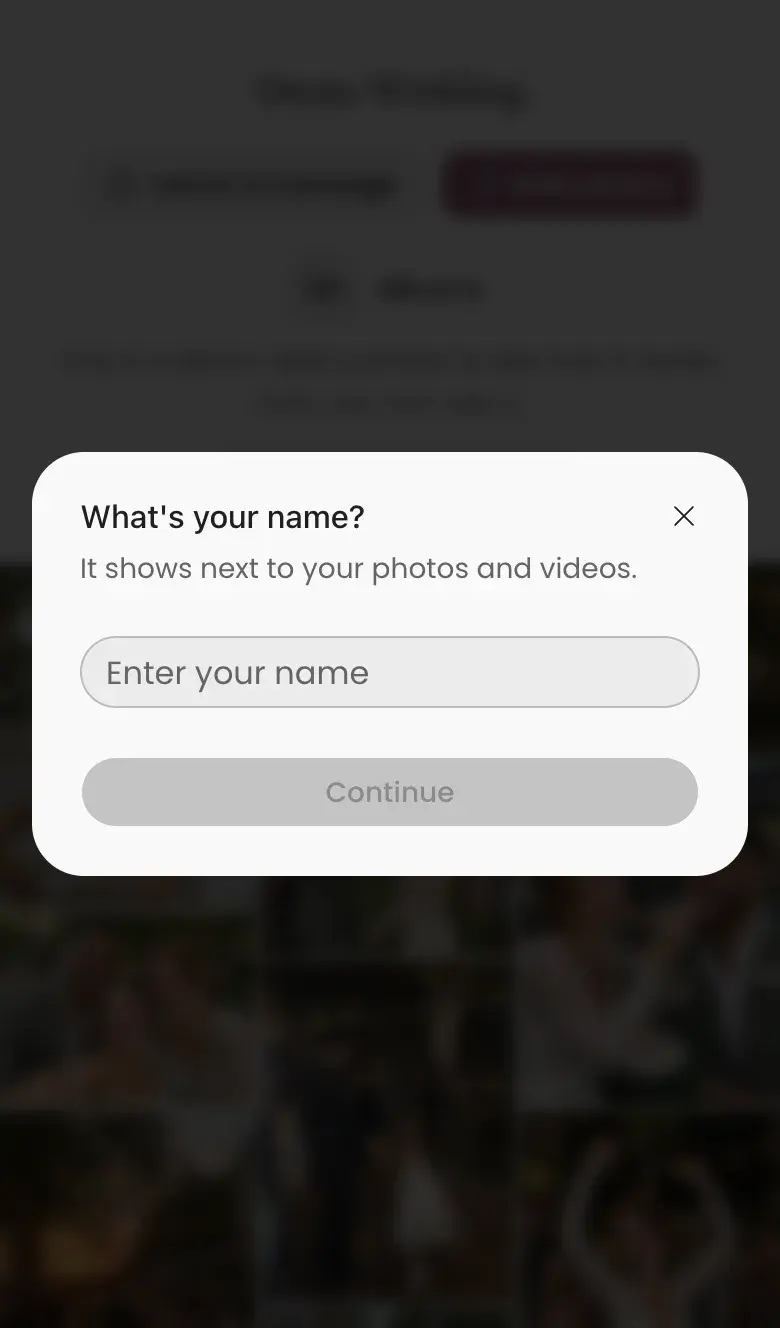
A guest points their phone camera at the QR code, and a page opens in their browser. They tap Add photos, pick photos and videos, and type their name once. There's no app to install, no account and no password. Their name labels their album in the gallery and their folder if you connect a drive.
Uploads that keep going on bad Wi-Fi
Wedding Wi-Fi is often slow, and a phone signal comes and goes. Guests put their phones in their pockets halfway through. Uploads pause when the signal drops and carry on by themselves when it comes back. If a photo still doesn't make it, the guest taps Retry. If they pick the same photo twice, we keep one.
Keeping a copy in your own storage
Photos show up in the gallery as soon as they arrive. If you connect Google Drive, OneDrive or Dropbox, we copy each original there, with a folder for each guest. If your Drive fills up, we email you and finish the copies once there's room. The photos are yours to keep.
Made for phones
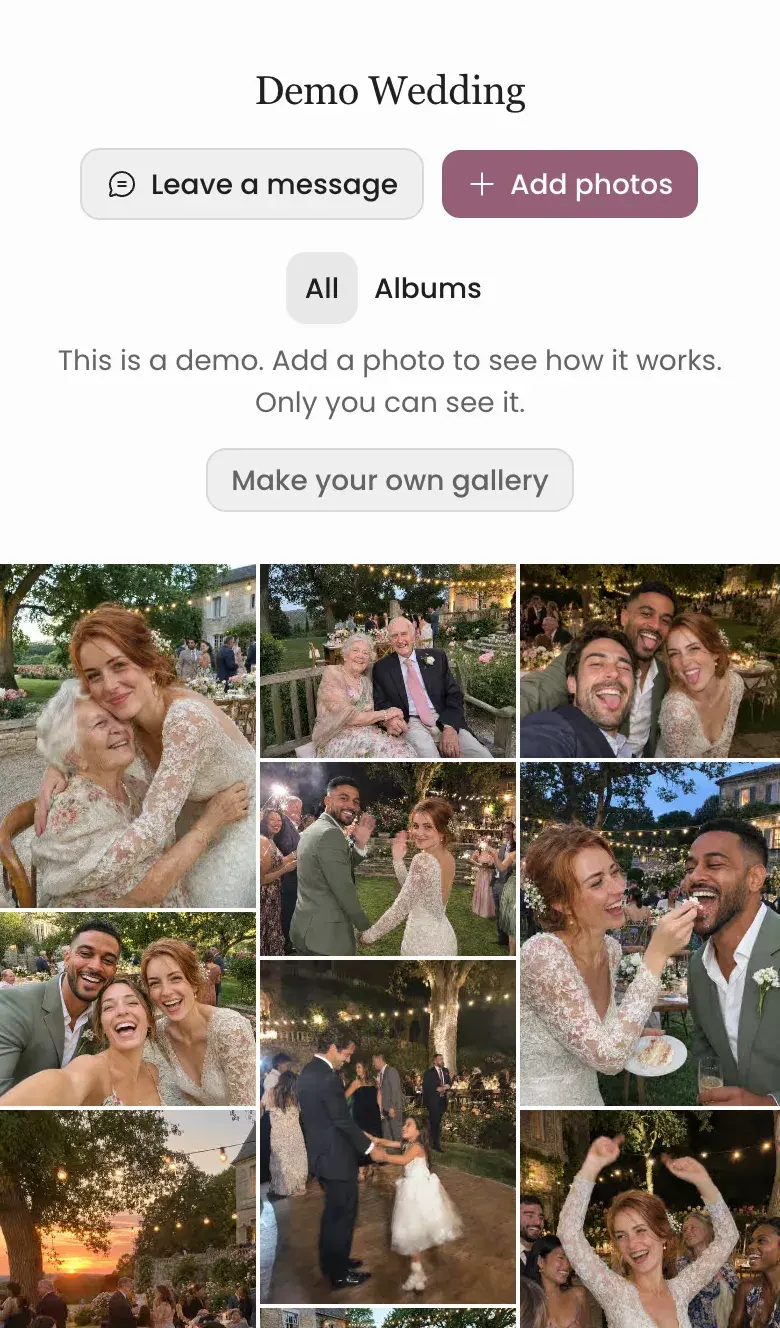
Guests have their phones in their hands, so I design every screen for a phone first. Guests browse phone-sized previews and I can download the originals. Tall and wide photos keep their shape.
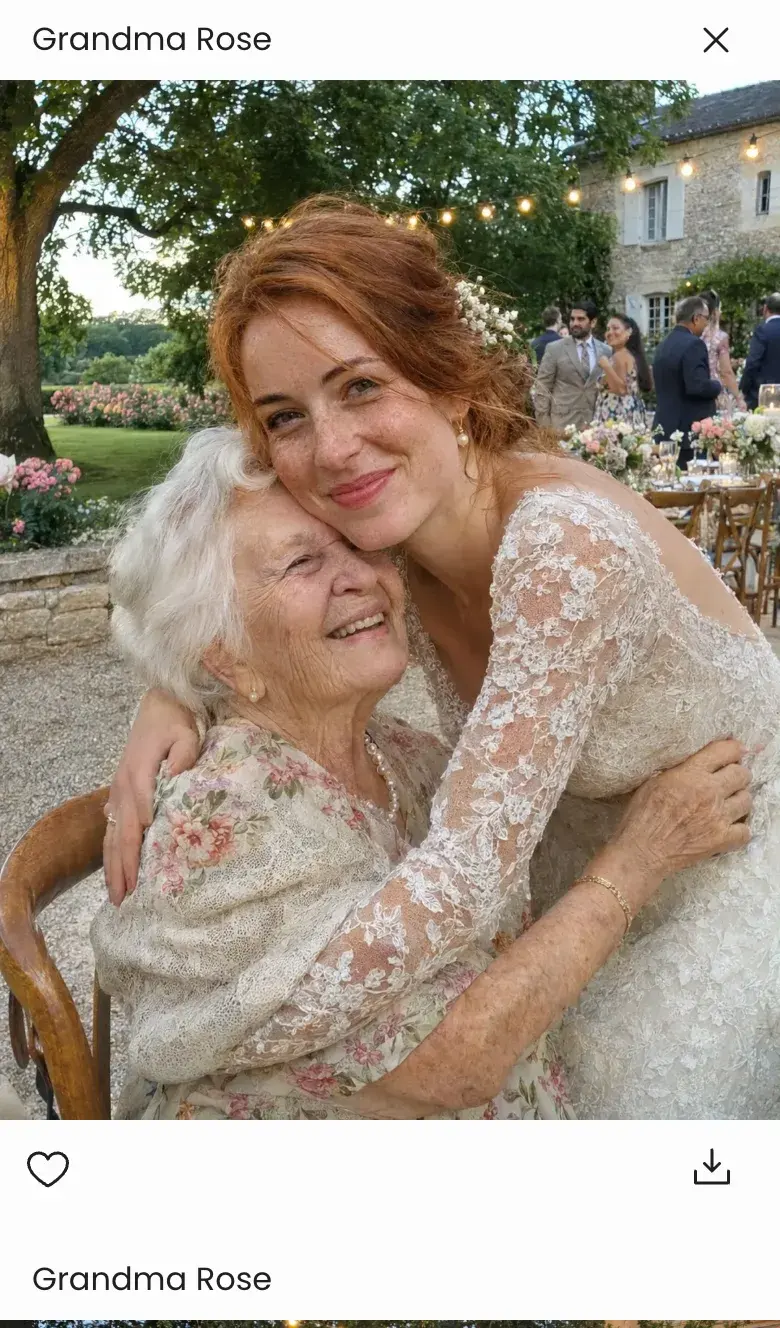
Tap a photo and it opens full width, with the guest's name above it and a heart and a download button below. Keep scrolling for the next one.
What's new
I keep adding ways to enjoy the photos. You can show photos and videos on a TV during the reception, and new photos appear as guests upload them. Co-hosts can run a gallery with you, and you can approve photos before other guests see them.
If you want to try it, our demo gallery works like a real one. Add a photo and watch it show up. Only you can see it, and we delete it after a day. When you make your own gallery, the first five uploads are free. After that, one payment of $39 gives you unlimited uploads for every event you make. See pricing for what that covers.